AI TOOL / #10696
CANVID for Windows
Screen recording tool with auto-enhancement to easily create professional videos.
Introduction
Screen recording tool with automatic enhancements for creating professional videos easily.
What is Canvid?
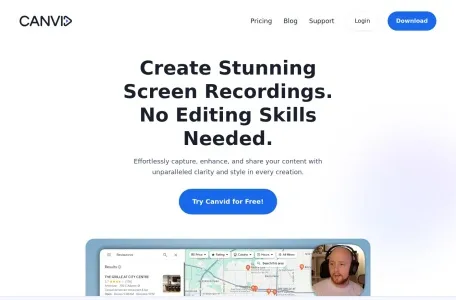
Canvid is a screen recording tool designed to easily capture, enhance and share screen recordings. It offers features like smooth mouse movement, auto-zooming, cinematic motion blur, and background effects, making it ideal for creating high-quality presentations, tutorials, and promotional videos without advanced editing skills.
How to use Canvid?
Capture the screen with just one click, enhance it with auto-zoom and AI background effects, add subtitles, and finally share the finished video instantly via cloud upload or local save.
Canvid’s core features
Auto scaling
AI background effect
Automatic subtitles and transcriptions
Simple screen recording
Share instantly
AI enhanced speech
Creative camera features
Related
Alice and Bob AI Brainstorm Lab
An artificial intelligence-powered brainstorming platform that features virtual characters and various optional methods.
NurmoAI
The Role AI API provides unfiltered access to both pre-existing and custom roles.
TalkChar
TalkChar provides professional character analyses and resources for fans and creators.
Spawn
An AI-driven generator for D&D characters, activities, and enemies.
DeepMode
DeepMode is an AI platform for creating AI clones and generating AI images.
Vera AIChatBot 4.0 – Turbo
VERA is an AI chatbot that features both self-learning capabilities and expert modes, offering services in areas such as education, travel assistance, and companionship.