AI TOOL / #10984
GPT Reader
A ChatGPT-based Chrome extension for text-to-speech that improves the accessibility of online reading.
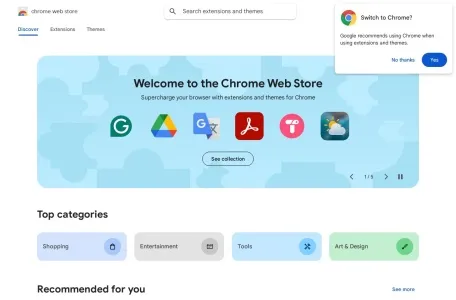
Introduction
Chrome extension for text-to-speech using ChatGPT, enhancing online reading accessibility.
What is the GPT Reader AI Chrome extension/plugin?
GPT Reader is a Chrome extension that uses OpenAI's ChatGPT text-to-speech (TTS) technology to provide an audio version of selected text on web pages. It enhances the online reading experience by making information more accessible and engaging.
How do I use the GPT Reader AI Chrome extension/plugin?
Install the extension, enter your ChatGPT API key, choose a voice, highlight the text, right-click, and select “Read Aloud.” Use the banner controls to play, pause, and adjust the speed.
The core features of the GPT Reader AI Chrome extension/plugin.
Using ChatGPT for text-to-speech conversion
Voice selection
Adjustable narrative pace
Theme Adaptation (Light/Dark Mode)
Multilingual support
Related
Adding a watermark to images (PixPix)
Text watermark with flat layout and corner markers
YooHe
AI music post-refinement tool
Revolte
End-to-end software delivery agent
Orato
English speaking lessons with AI training
Tabbit
An AI-native agent browser
RemoveZero
Batch AI background removal for product images