AI TOOL / #06325
ChatGPT Voice Assistant
The voice-activated ChatGPT interface supports text-to-speech conversion and multiple languages.
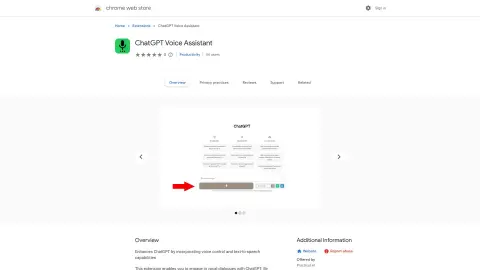
Introduction
Voice-activated ChatGPT interface with text-to-speech and multi-language support.
What is the ChatGPT Voice AI Chrome extension/plug-in?
This tool allows you to capture voice input and send it to ChatGPT. The responses generated by the system can be listened to aloud (this option can be disabled if desired). It supports multiple languages, and you can start capturing voice data by clicking the microphone button or holding down the spacebar.
How to use the ChatGPT Voice AI Chrome extension/plug-in?
Click the microphone button or hold down the spacebar to record your voice input. This tool will send your recorded voice to ChatGPT, which will then read out the response. You can also choose to disable the text-to-speech function if you prefer to read the responses directly.
The core functions of the ChatGPT Voice AI Chrome extension/plug-in
Voice input for ChatGPT
Text-to-speech output generated by ChatGPT
Multilingual support
Capture voice input using the microphone button or the spacebar.
Related
Selectext: Copy Text from Videos
Selectext copies on-screen text from videos, improving productivity and saving time.
Pic to Text
A free web-based tool for extracting text from images using OCR technology.
JPG IMAGE TO TEXT
Online tools use OCR technology to convert the text in JPG images into editable text.
Grabtext
AI-powered OCR tools convert handwritten or printed text into editable digital format.
ToonFace
ToonFace is a cartoon avatar creator with powerful customization tools.
Moxo AI Answers – Image Scanner & Work Tutor
Google Sheets plug-in that provides AI-driven content generation, data analysis, and translation capabilities.