AI TOOL / #07230
hahaOCR
Extract text from the image; press the ESC key to exit.
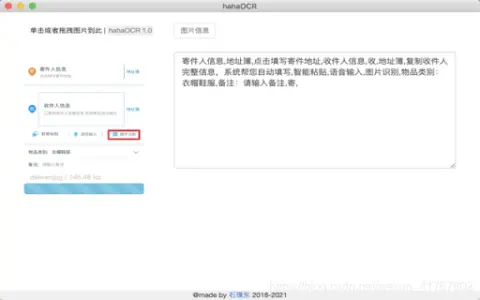
Introduction
Extract text from images and exit with ESC.
What are the Image to Text and ESC Exit App AI Chrome extensions/plugs?
This application allows users to extract text from images and convert it into editable text. Users can upload images by clicking a button and exit the application by pressing the “ESC” key.
How to use the Image to Text & ESC Exit App AI Chrome extension/plug-in?
Click the upload button to select an image. The application will automatically extract the text from the image and display it. Press the “ESC” key to exit the application.
The core functionality of the Image to Text and ESC Exit App AI Chrome extension/plugin.
Image to Text conversion
Use the ESC key to exit the function.
Use the ESC key to exit the function.
Related
AbeBooks
Global Second-hand Books and Rare Collections Trading Platform
Comic Book Plus
Public Domain Comic Digital Archive
Jane Friedman
Personal website for independent publishing and writing careers
CNKI
Chinese Academic Literature Database
Houlang Publishing
A specialized publishing institution dedicated to humanities and the arts
Poetry Archive
Digital Archive of Poetry Recitations