AI TOOL / #09926
MacGaiver
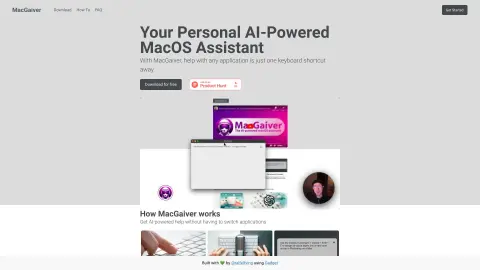
An AI-powered macOS assistant that uses computer vision to answer questions regarding any application.
Introduction
AI-powered macOS assistant that answers questions about any application using computer vision.
What is MacGaiver?
MacGaiver is an AI-powered macOS assistant that utilizes computer vision to answer questions regarding any application. By pressing a keyboard shortcut and posing your question, you can get assistance without leaving the current window. MacGaiver uses the OpenAI Vision API to provide answers in the context of your query.
How to use MacGaiver?
In any application, you can activate MacGaiver using keyboard shortcuts to submit your question—either in audio or text form. MacGaiver will then respond using answers derived from the context, relying on OpenAI GPT-V for its functionality.
The core features of MacGaiver
Provide AI-powered assistance within any macOS application.
Utilize computer vision to provide context-based answers.
Activate keyboard shortcuts
Integration with the OpenAI Vision API
Related
Freshframe
Nutritional applications based on artificial intelligence, used for real-time food decisions and personalized insights.
IngreedyIt
An AI-powered app for analyzing food and cosmetic ingredients.
Pacely
Pacely automatically renames y...
ProgressMade.ai
ProgressMade is an AI-powered health platform that focuses on goal setting, the development of daily habits, and the tracking of progress.
beSportly
A platform for searching for and booking sports venues, coaches, gyms, and events.
aabo
Digital health platforms offer AI-powered medical devices for personalized healthcare.